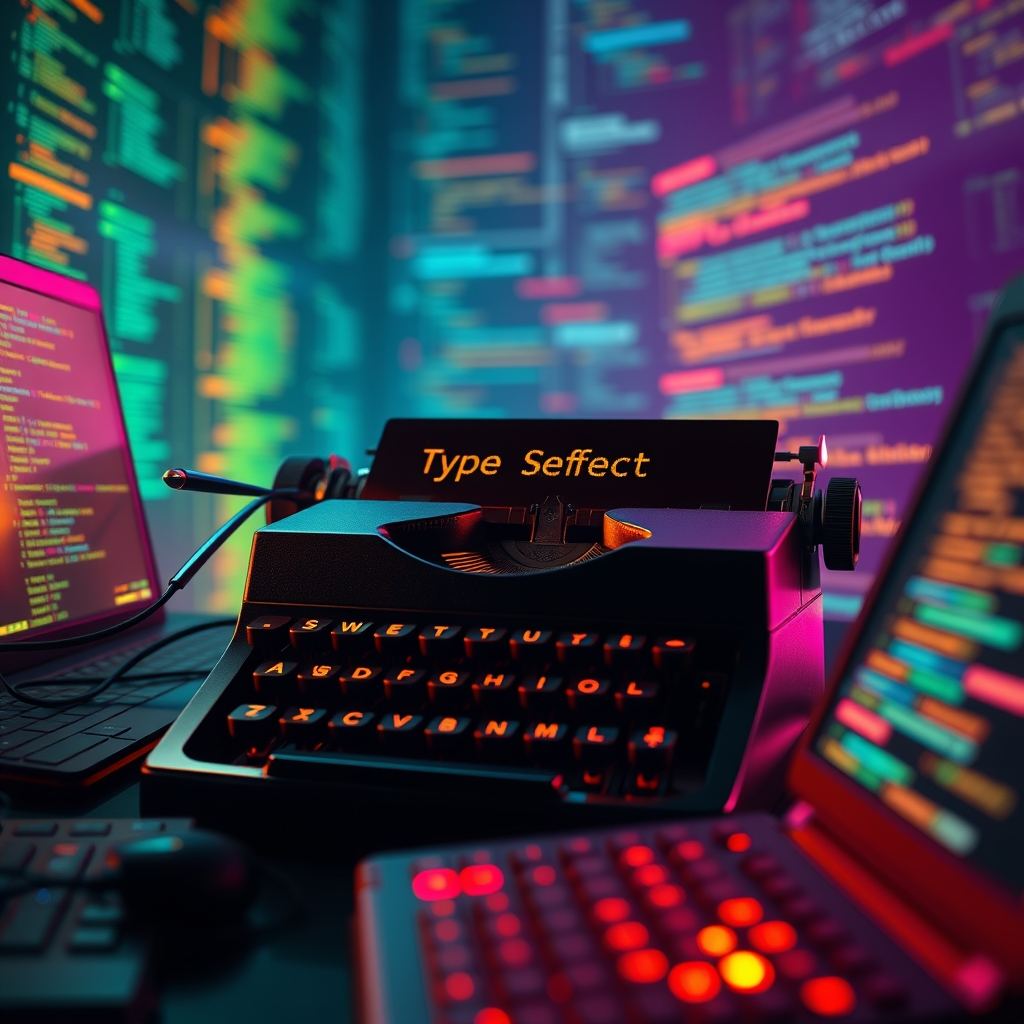
The typewriter effect is the digital equivalent of watching someone think out loud. Text appears one character at a time, as though a real hand is striking real keys. You see it in the hero sections of portfolio sites, in browser-based terminal emulators, and in the chat windows of AI assistants that want to prove they are “typing” a response rather than fetching a block of prefabricated text. When done well, it creates anticipation. When done poorly, it feels like a printer jammed in 1987.
Why This Pattern Persists
Computers deliver information instantly. Humans do not. The gap between those two speeds is useful. A typewriter effect bridges it by simulating human pacing. On a landing page, it can draw the eye across a headline word by word so visitors actually read the value proposition instead of skimming. In a terminal emulator, it sells the illusion that commands are executing in real time. In a chatbot interface, the rhythm signals that a response is being generated on the fly rather than retrieved from a database.
But the effect only works if the mechanics respect the user. A flat, metronomic tick-tick-tick of identical intervals feels robotic. Worse, an implementation that ignores assistive technology can turn a fun visual flourish into a frustrating barrier. The goal is not to slow the user down; it is to add just enough friction to make the interface feel alive.
Build It with Recursive setTimeout
Start with setTimeout, and do not touch setInterval. The difference matters more than it looks.
setInterval is stubborn. It fires every n milliseconds regardless of what else is happening in your script or the browser’s main thread. If your logic needs a 50-millisecond pause between ordinary keystrokes but a 150-millisecond pause after punctuation, setInterval cannot adapt. You end up wrapping it in extra conditional logic, fighting race conditions, and eventually clearing and resetting the interval so often that the code becomes a state-management nightmare. Fixed intervals fail the moment you need variable speeds.
Recursive setTimeout fixes this by letting each step decide the rules for the next step. Think of it as a tiny state machine. You maintain a few variables: the current string, the current character index, a boolean flag for whether you are typing or deleting, and a textIndex counter so you can loop through multiple strings. The function appends one character, checks where it is in the sentence, then schedules its own next invocation with a delay that matches the context.
For example, you might type most characters at 50 milliseconds, slow to 150 milliseconds after a comma, and pause for 800 milliseconds at the end of a full sentence before switching to delete mode. You cannot do that cleanly with setInterval. With recursive setTimeout, the logic is plain:
if typing:
  append next character
  if at end of string:
    switch to pause mode
    schedule next call after 1000ms
if deleting:
  remove last character
  if string empty:
    increment textIndex
    load next string
    switch to typing mode
This structure also makes cleanup trivial. Store the timeout ID. When the component unmounts or the user navigates away, call clearTimeout once. No orphaned intervals ticking in the background.
The Cursor Should Blink on Its Own
The blinking cursor is a visual detail, not a data concern. Keep it out of your JavaScript state engine. Use a separate CSS animation attached to a ::after pseudo-element or a dedicated <span> sitting at the end of your text container.
A simple @keyframes blink toggling opacity or border-color with step-end timing gives you a crisp, hardware-friendly pulse that runs on the compositor. JavaScript has no business micromanaging cursor visibility. If you toggle display properties from inside your setTimeout recursion, you force unnecessary style recalculations every single character. Let CSS handle aesthetics. Let JavaScript handle sequence.
Looping through multiple strings is straightforward with a textIndex counter. Store your strings in an array. When the animation finishes its delete phase and the container is empty, increment textIndex modulo the array length, reset the character pointer to zero, and start typing again. This is how portfolio sites cycle through roles—["Developer", "Designer", "Writer"]—without ever reloading the page.
Mistakes That Shatter the Illusion
Three errors show up again and again in amateur implementations.
استخدام setInterval. لقد غطينا بالفعل مشكلة السرعة المتغيرة، ولكن هناك مشكلة أكثر دقة. إذا تأخر تحديث الـ DOM الخاص بك — لنقل بسبب قيام المتصفح برسم إزاحة في التخطيط (layout shift) — فإن setInterval سيستمر في العمل. قد ينتهي بك الأمر بعمليات كتابة متداخلة، أو أحرف مكررة، أو عمليات كتابة تحدث بشكل أسرع مما يمكن للمتصفح عرضها. أما setTimeout المتكرر (Recursive setTimeout) فينتظر حتى تنتهي الخطوة الحالية قبل أن يفكر في الخطوة التالية.
نسيان الهروب من HTML (escape HTML). إذا كانت سلاسل النصوص المصدرية تحتوي على أقواس زاوية، وكنت تقوم بحقن المحتوى عبر innerHTML حرفاً بحرف، فستقوم بتقسيم الوسوم (tags) إلى نصفين. سيرى المتصفح < ثم <s ثم <st. وهذا يمنع التحليل الصحيح للوسوم (tag parsing) وقد يتركك مع عقد DOM مكسورة أو تسلسلات تنسيق غير متوقعة. إذا كنت تريد ظهور الأحرف كما هي، فقم بعمل escape لها أولاً، أو الأفضل من ذلك، اكتب في textContent بدلاً من innerHTML. إذا كنت بحاجة حقاً إلى وسوم <span> منسقة داخل مخرجات الآلة الكاتبة، فقم بمعالجة السلسلة مسبقاً بحيث تعرف بالضبط أين تبدأ الوسوم وأين تنتهي قبل بدء حلقة الأحرف.
تجاهل إمكانية الوصول (accessibility). لا تحب قارئات الشاشة (Screen readers) أن تُقرأ إليها النصوص حرفاً بحرف. فبينما يقوم النص البرمجي الخاص بك بإضافة كل حرف جديد إلى الـ DOM، تقوم بعض التقنيات المساعدة بالإعلان عن العقدة (node) بأكملها مرة أخرى، مما يسبب وابلًا متقطعًا من الكلمات غير المكتملة. هذا كابوس لأي شخص يعتمد على الملاحة الصوتية. الحل ليس معقداً: أضف aria-label إلى الحاوية التي تحمل النص الكامل والنهائي. يمكنك أيضاً إخفاء العنصر المتحرك عن التقنيات المساعدة تماماً باستخدام aria-hidden="true" وتوفير نسخة ثابتة مخفية بصرياً لقارئات الشاشة. في كلتا الحالتين، امنح المستخدمين الجملة الكاملة مسبقاً بدلاً من إجبارهم على انتظار عرض أدائك.
طرق لتحسين نسختك
بمجرد أن تعمل الحلقة الأساسية بشكل صحيح، يمكنك إضافة ميزات إضافية. ولكن قاوم الرغبة في إضافتها حتى تصبح الأساسيات متينة.
تأثيرات صوت النقر. يمكن أن يكون صوت نقرة خفيفة مع كل حرف أمراً مرضياً، ولكن الصوت في صفحات الويب يعد حقل ألغام. استخدم Web Audio API أو عنصر Audio خفيف الوزن مع ذاكرة تخزين مؤقت (buffer) قصيرة. قم بتغيير معدل التشغيل قليلاً — بين 0.95 و 1.05 — حتى لا تبدو النقرات المتطابقة اصطناعية. احترم دائماً سياسات التشغيل التلقائي (autoplay) في المتصفح ووفر خيار كتم الصوت. لا شيء يطرد المستخدمين أسرع من صفحة أعمال (portfolio) تعمل تلقائياً بأصوات كتابة في التاسعة صباحاً دون خيار كتم الصوت.
الكتابة متعددة الأسطر. نوافذ الطرفية (terminal) الحقيقية تقوم بلف النص (wrap). إذا تجاوز النص الخاص بك فاصل السطر، فسيقفز المؤشر الذي يستخدم border-right بشكل غريب ما لم يكن تخطيطك قابلاً للتوقع. قم بتقسيم السلاسل النصية حسب أحرف السطر الجديد وقم بعرض كل سطر في عنصر <span> خاص به، أو استخدم عنصراً وهمياً (pseudo-element) في موضع محدد يتتبع نهاية المحتوى. كن حذراً مع التفاف النص؛ فالمؤشر الذي يتم تنفيذه كحد داخلي (inline border) يمكن أن ينفصل عن النص إذا تغير عرض الحاوية. فكر في استخدام white-space: pre-wrap وخط أحادي المسافة (monospaced font) لأنماط الطرفية، حيث تجعل الأحرف ذات العرض الثابت حسابات المؤشر أكثر قابلية للتوقع.
عرض Markdown في الوقت الفعلي. هنا تصبح الأمور معقدة. إذا كتبت **bold** فلديك خياران: إما عرض النجوم كما هي، أو تحويلها إلى نمط عريض (bold) أثناء الكتابة. إذا اخترت الخيار الأخير، فإن الانتقال من textContent إلى innerHTML في منتصف العملية يعني أن حدود عقدة النص ستتغير. سيصبح موقع المؤشر صداعاً في إدارة البيانات لأن وسوم HTML تغير شجرة الـ DOM من تحتك. أحد الأساليب الأكثر أماناً هو كتابة سلسلة Markdown الخام بشكل طبيعي، ثم تشغيل عملية عرض (render pass) بمجرد ظهور السلسلة الكاملة على الشاشة. إذا كنت بحاجة حقاً إلى تنسيق مباشر، فحافظ على طبقتين: ذاكرة تخزين مؤقت مخفية لما تم كتابته وطبقة عرض مرئية تم تحليلها.
تأثيرات المسح (Reverse effects). لا يجب أن يعني حذف النص الضغط على مفتاح Backspace حرفاً بحرف. يمكنك محاكاة عملية إعادة ضبط "تحديد الكل، ثم الحذف" التي تمسح الحقل فوراً قبل كتابة السلسلة التالية. هذا يبدو آلياً وجافاً. بدلاً من ذلك، فإن المسح البطيء بمعدل 30 مللي ثانية لكل حرف يبني نوعاً من التوتر. امزج بين الاثنين: امسح خطأً مطبعياً بسرعة، توقف قليلاً، ثم استأنف المسح بالسرعة العادية. هذا التباين يضفي لمسة إنسانية على التأثير.
الخلاصة الحقيقية
تأثير الآلة الكاتبة هو أحد تلك اللمسات الجمالية في واجهة المستخدم التي تبدو تافهة في الظاهر وتكشف عن تعقيدها فقط بعد بنائها. ابدأ بـ